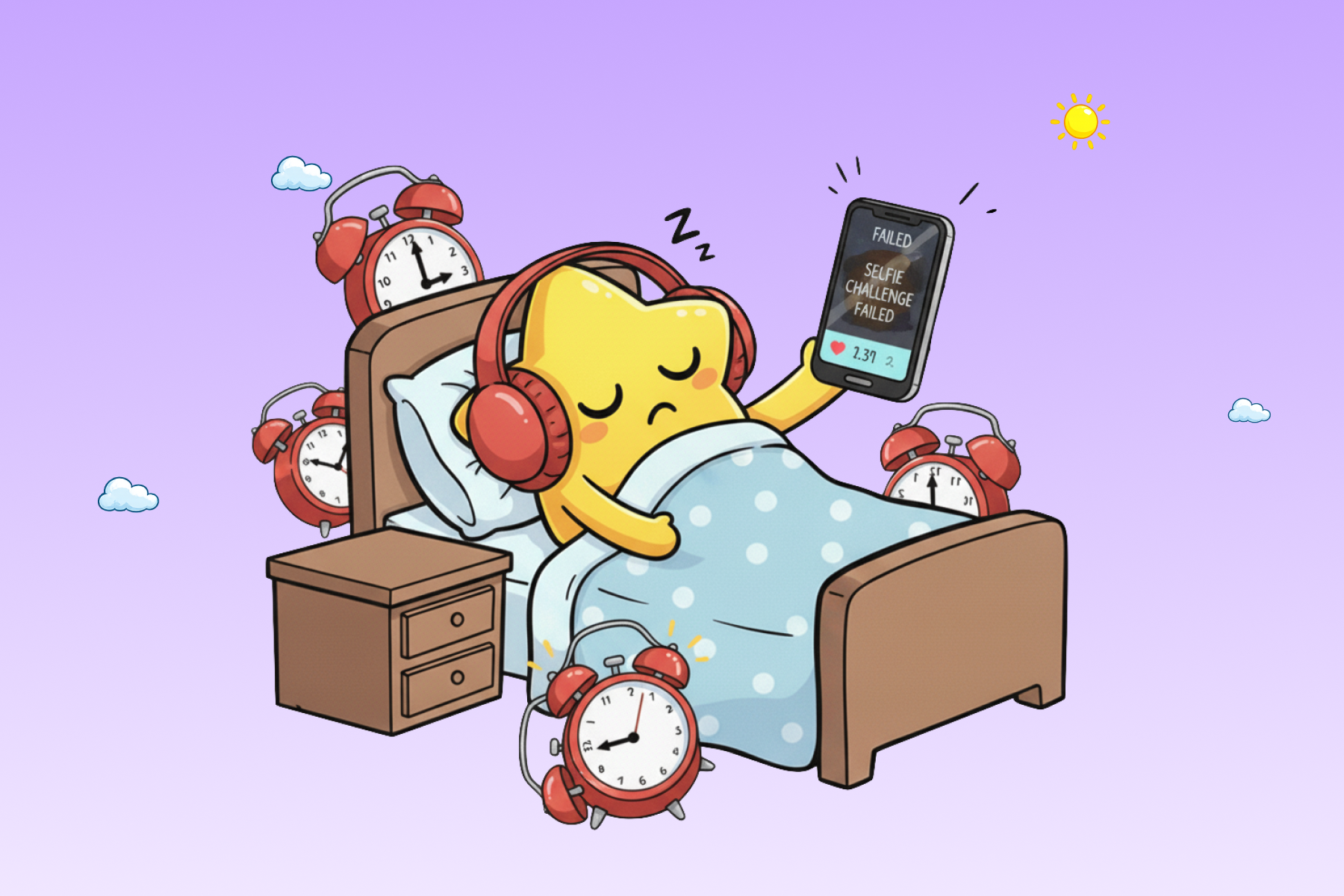
You already know what happens with a regular alarm. It goes off. You hit snooze. You hit it again. At some point, your brain semi-registers that you're supposed to be somewhere and you sit up in a panic. Sound familiar?
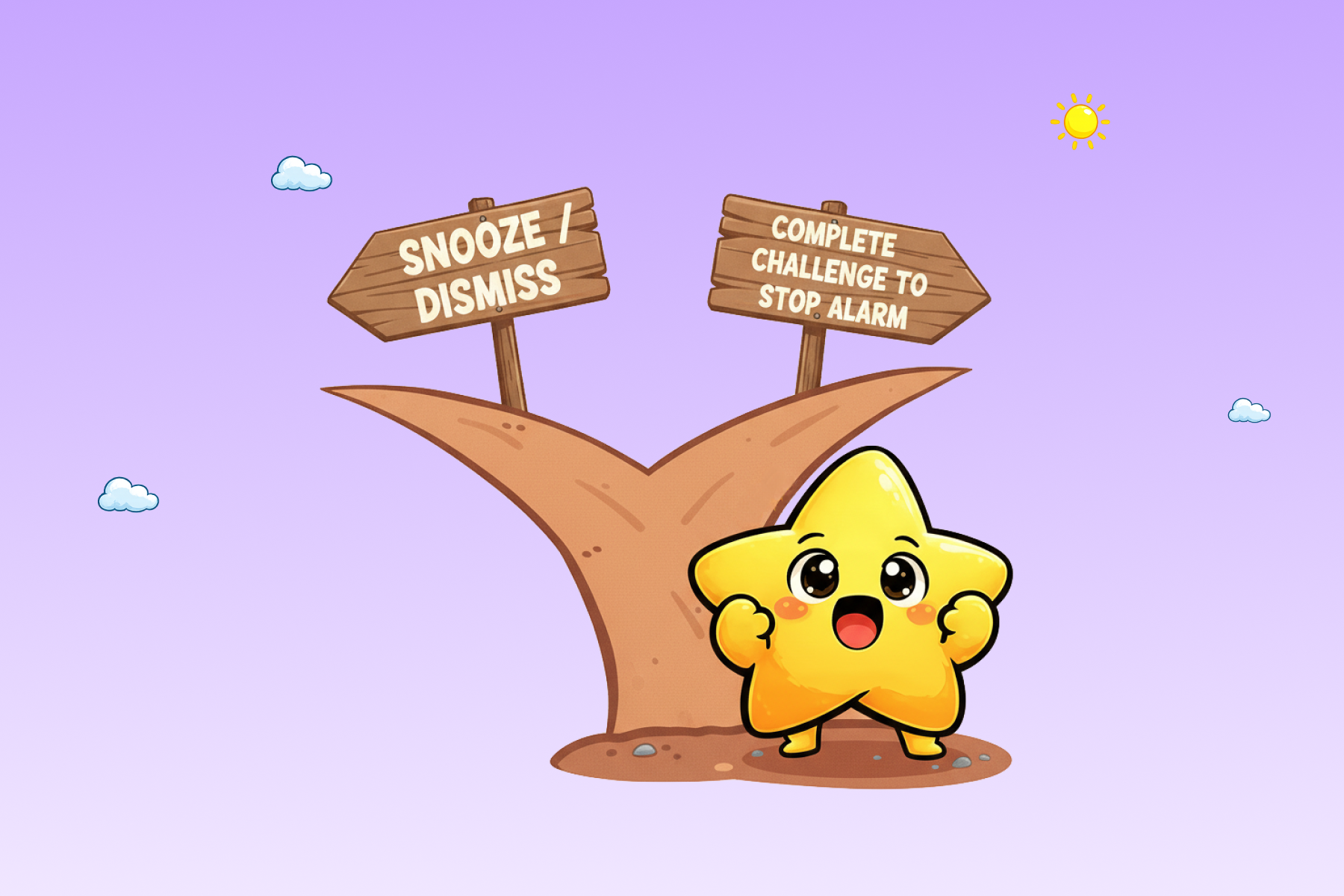
A wake up challenge app breaks that cycle by making snooze structurally impossible. Instead of a dismiss button, you get a task. Solve a math problem. Walk thirty steps. Scan a QR code in your kitchen. The alarm keeps going until you finish. Your body is up. Your brain is awake. That's the whole idea.
Here's what they actually are, why the science supports them, and what to look for before you download one.
what is a wake up challenge app?
A wake up challenge app is an alarm app that requires you to complete a physical or cognitive task before it silences. The task replaces the dismiss button entirely - there's no way around it.
The concept of making alarms harder to turn off isn't new. Alarm clocks that rolled off nightstands, ran away across the room, or required solving a puzzle existed long before smartphones. But the smartphone version is smarter: tasks are personalised, tracked, and can be calibrated to your level of morning dysfunction.
Modern challenge alarm apps offer tasks across three categories:
mental challenges: math problems, memory games, emoji sequences, color-word matching (the Stroop test), typing a sentence, finding differences between images.
physical challenges: shaking the phone a set number of times, jumping jacks, squats, walking thirty steps, pushups.
proof-of-location challenges: scanning a QR code placed in your bathroom or kitchen, scanning a barcode on a household item, taking a photo with lights on, smiling for the front camera.
The logic behind all of them is the same: you cannot dismiss this alarm from bed.
If your morning problem starts the night before, why your phone is the reason you can't sleep covers the bedtime side of the same cycle.
why they actually work (it's not just annoyance)
The common assumption is that challenge apps work because they're annoying enough to motivate you. That's part of it. But the real mechanism is more interesting.
When you're in deep or light sleep and an alarm fires, your brain doesn't flip cleanly to "awake." It takes time for cortical arousal - the reactivation of executive function regions in the prefrontal cortex - to fully occur. Auditory stimuli alone can trigger enough arousal to get you to press snooze, but not necessarily enough to sustain wakefulness.
The science-backed angle is that waking during light sleep eases grogginess, and task-based alarms stack on top of that by ensuring you are mentally present too. There is a psychological bonus: completing a task first thing gives a tiny hit of accomplishment, and that early win can ripple into confidence and momentum for the next hour.
the challenge types - and which is hardest to beat
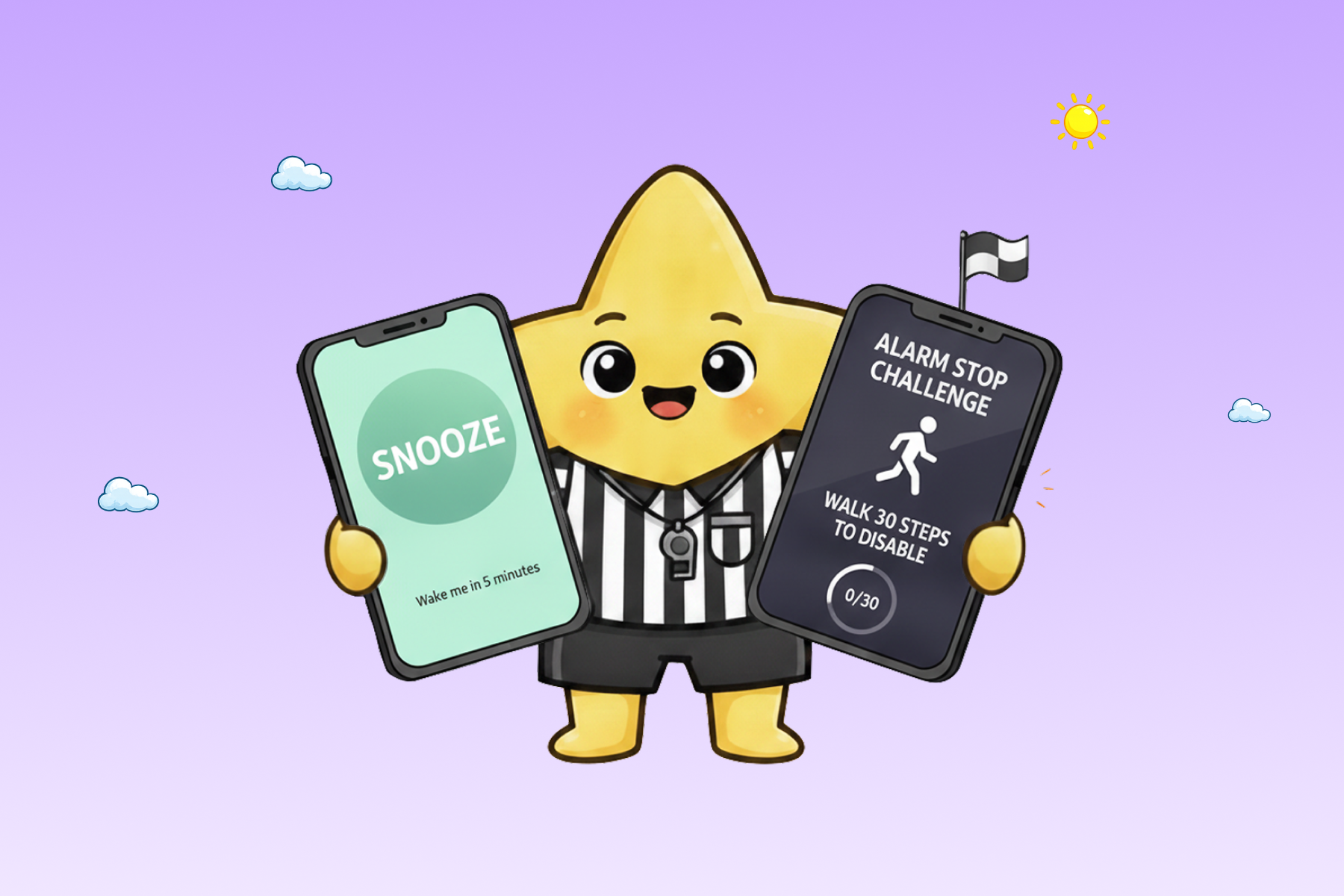
Not all challenges are equal. Here's how they stack up for someone who has a history of outsmarting their own alarm.
math problems are effective but gameable. Your half-asleep brain is shockingly good at drilling simple addition after a few weeks of repetition. Same with shaking the phone. You'll do it in your sleep, literally.
walking challenges (30 steps) are harder to game because they require you to leave the bed. The physical displacement breaks the "I'll just get back under the covers for a minute" loop before it starts.
squats, pushups, and jumping jacks are the hardest challenges to complete while still groggy. They demand sustained full-body movement, your heart rate has to rise and your muscles have to stay engaged for the full rep count. You can't knock out ten squats from under the covers the way you can shake a phone or solve 3+5 lying down.
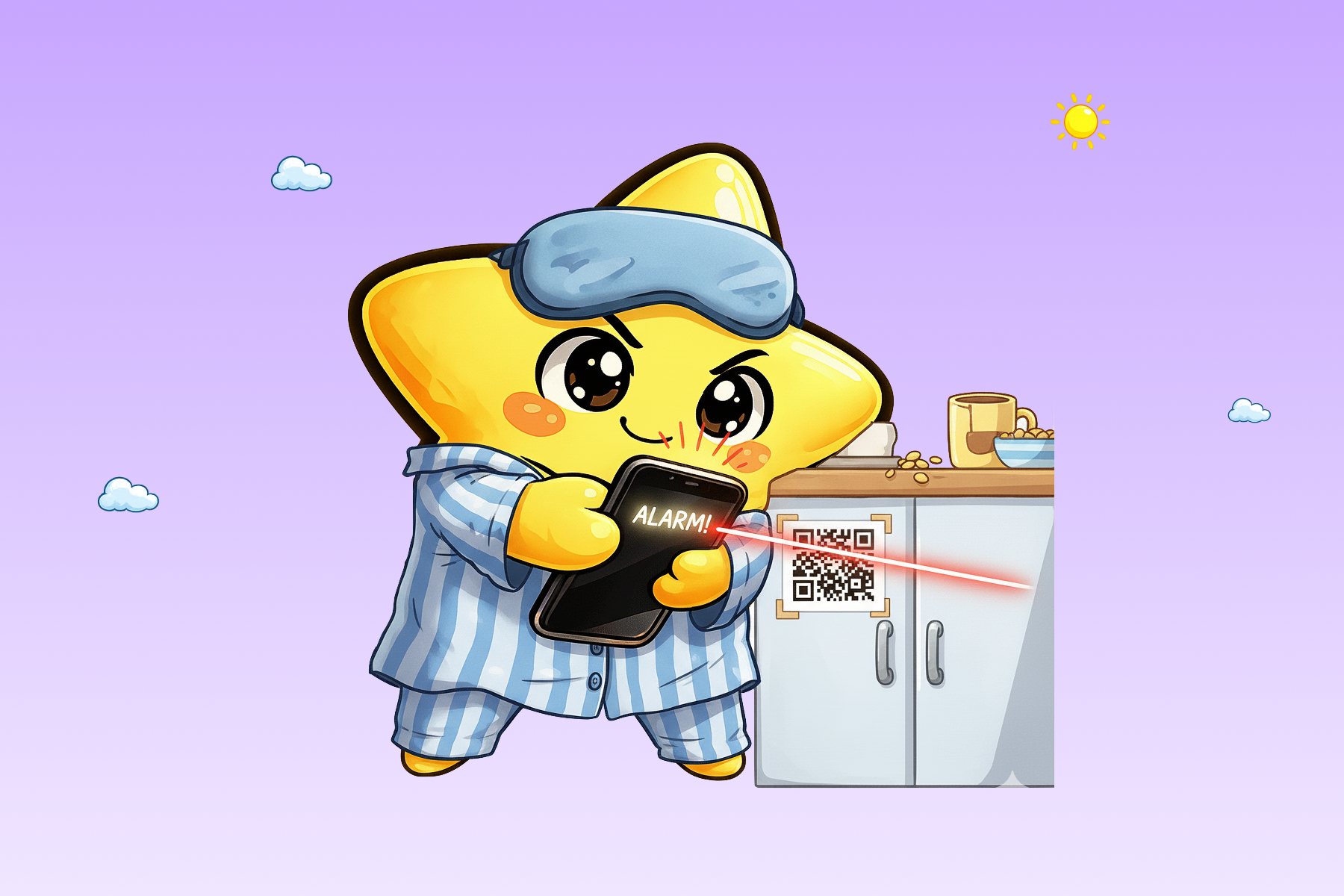
QR code scanning is one of the most effective options for heavy sleepers. You print your unique QR code and put it in the kitchen or bathroom before bed. The alarm won't stop until you scan it. You have to physically be in another room. By the time you've done that, you're awake.
camera verification - photo proof or smile detection is effective but lighter than exercise challenges. The app activates your front camera and checks that ambient light is above a threshold (lights are on, or sunlight), or detects a genuine smile. Both require you to be upright and lit but not the sustained physical load that squats or jumping jacks demand.
rotating challenges are the best long-term strategy. Apps that let you select a pool of 3–5 challenges and rotate through them daily prevent the muscle-memory problem entirely, your brain never gets to automate the dismissal sequence.
what to look for in a wake up challenge app
Before downloading the first result you find, check for these.
can the challenge be disabled? Some apps let you turn off the challenge from within the alarm settings - including right after the alarm fires. If you're half-awake and can tap "skip challenge," you will. A good challenge alarm app makes the task non-optional, or at least inconvenient to remove in the moment.
does it have anti-snooze protection? Can the alarm be killed by pressing the volume button? Force-quitting the app? Any technical bypass that a groggy person could stumble onto will eventually be used. The alarm should persist through volume button presses and survive a force-close.
does it integrate with your bedtime, not just your wake time? This is the piece most challenge alarm apps miss entirely. Completing a squat challenge after four hours of sleep is almost pointless - the real problem is that you went to bed at 2 AM. The best apps pair wake-up challenges with bedtime app blocking so the whole cycle gets addressed, not just the morning end of it.
does it track your behaviour? Knowing your average challenge completion time, your snooze rate, which challenges you actually finish versus abandon, this data tells you whether the app is working and which ones to adjust.
Try lumi's full challenge rotation - available on the App Store →
how lumi handles wake-up challenges
lumi was built from a specific situation: one sibling who goes to bed at 2 AM, one who gets up early, and a shared work schedule that means both have to be functional at the same time. The morning challenge system was designed to actually solve that - not just annoy the night owl into wakefulness.
During setup, you pick 3 to 5 challenges from a full pool: mental, physical, and proof-of-location. Every morning, lumi rotates one from your pool automatically. You never know which one is coming until the alarm fires, which prevents the muscle-memory problem. No challenge repeats on back-to-back days.
The pool includes photo proof (lights-on verification), walking 30 steps, QR code scanning, jumping jacks, squats, math, emoji memory, and more.
lumi also works on the bedtime side: selected apps are blocked at your configured bedtime, so the challenge in the morning is paired with actually getting enough sleep the night before. How the bedtime lock and wake challenges work in practice →
Night and morning are one problem. lumi is one solution - lock apps at bedtime, wind down on-device, then use wake challenges so the alarm actually stops. Try lumi free for 7 days →